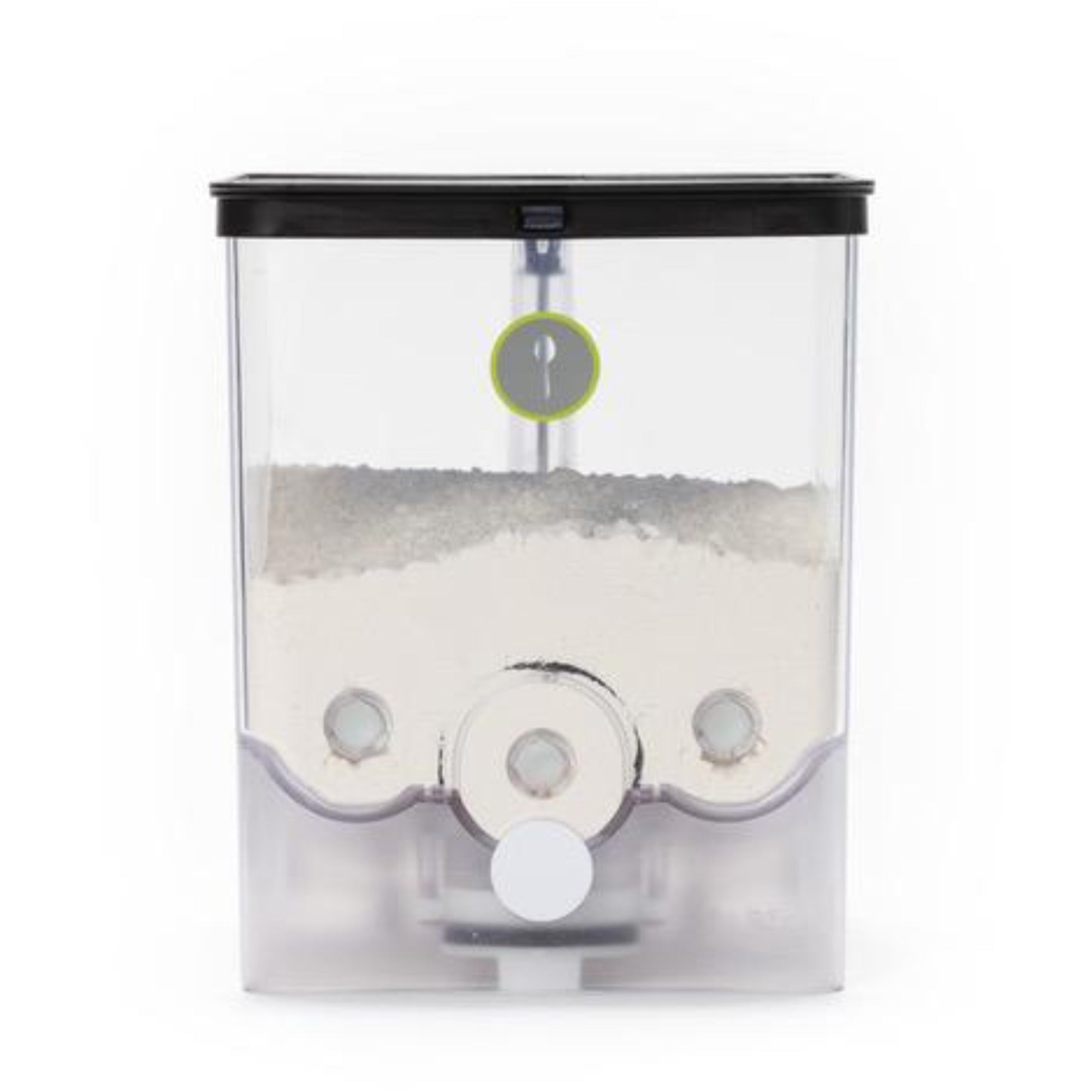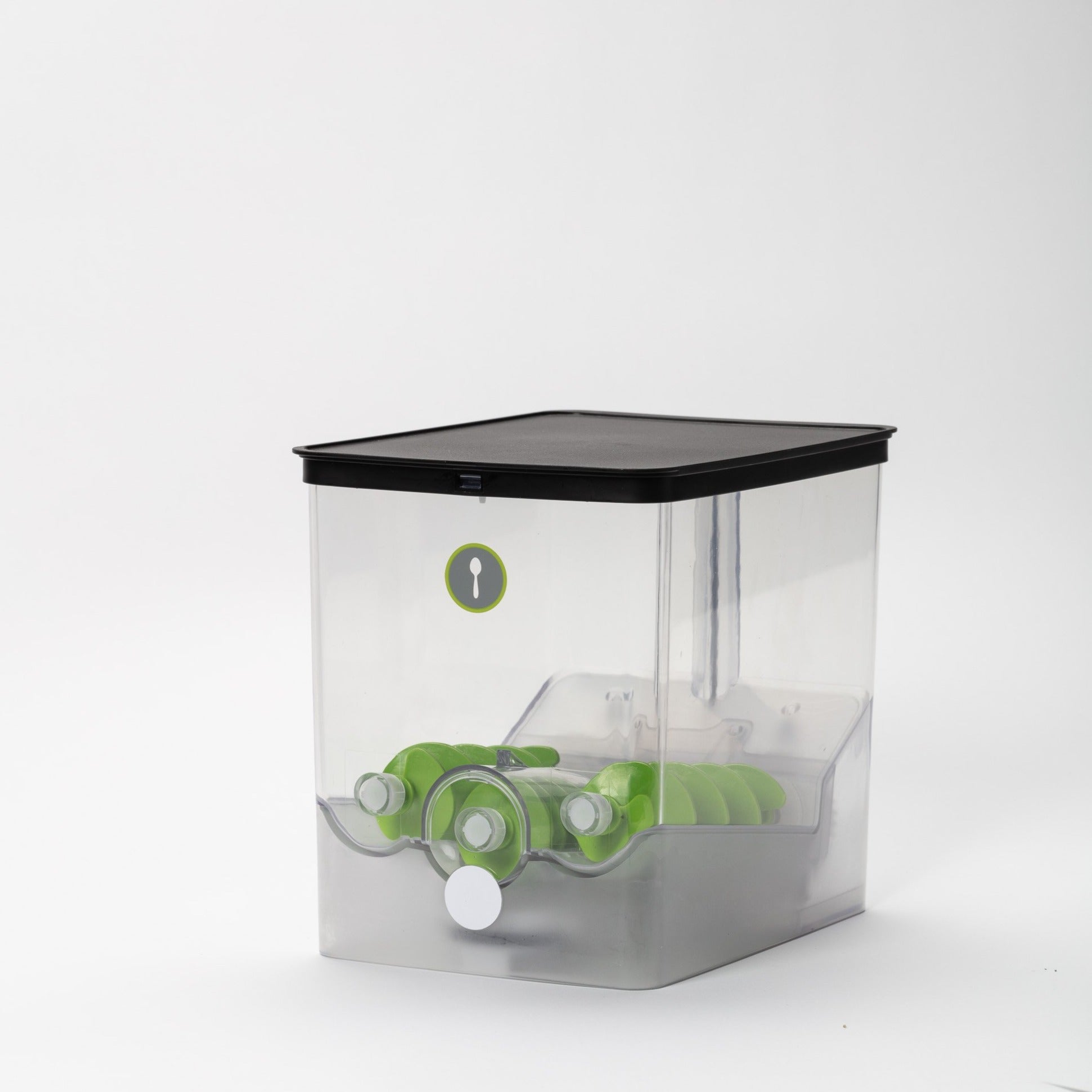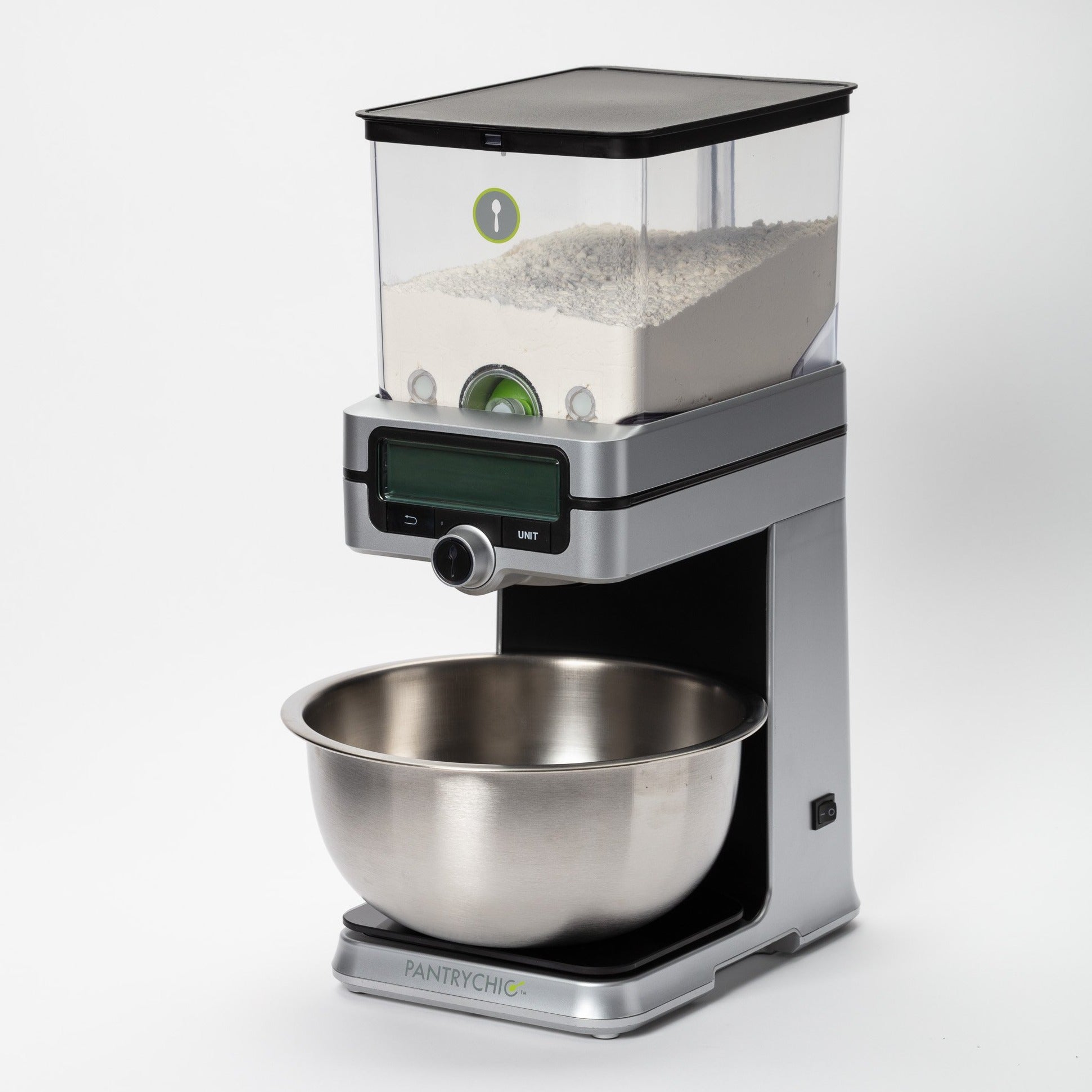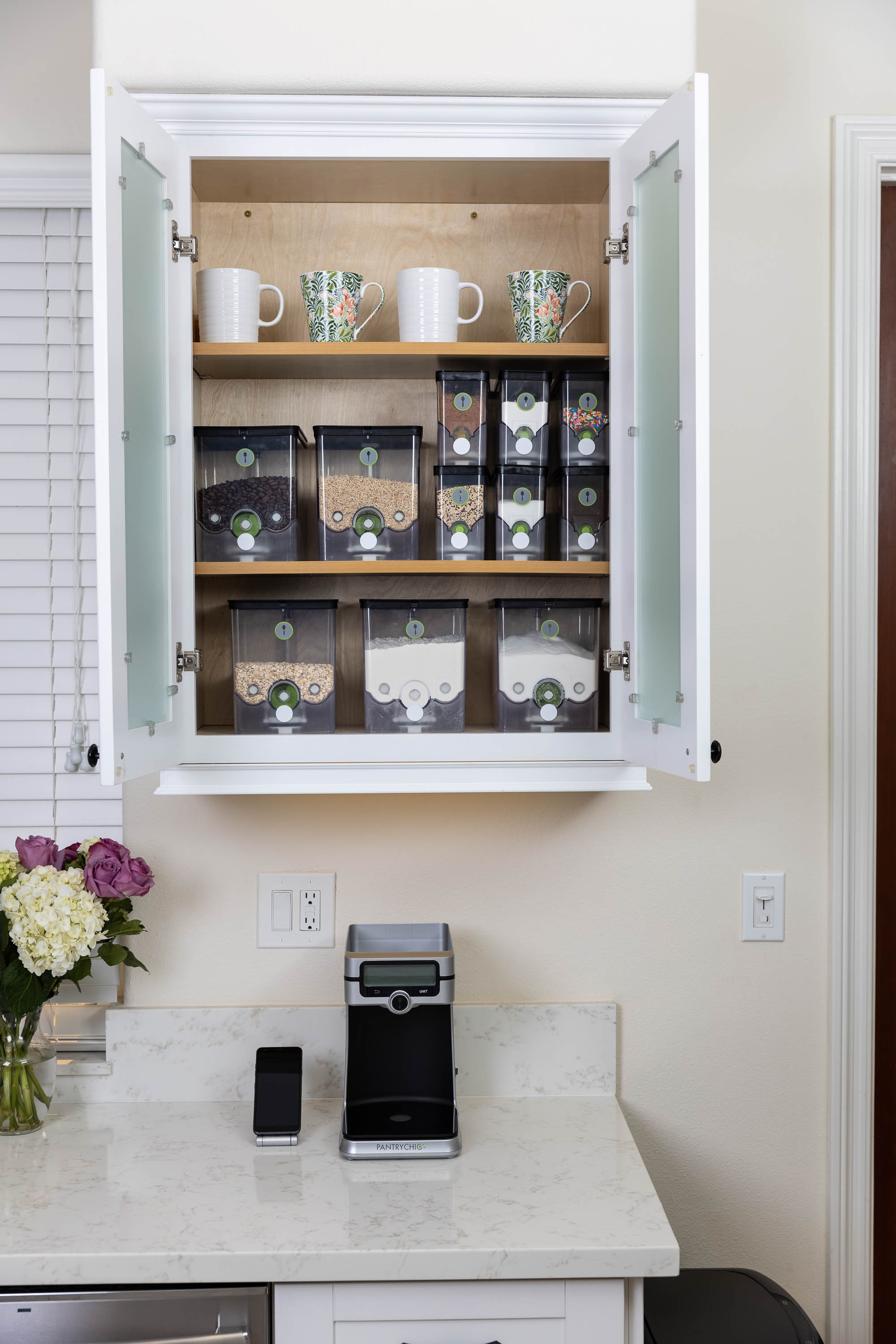


Dimensions:
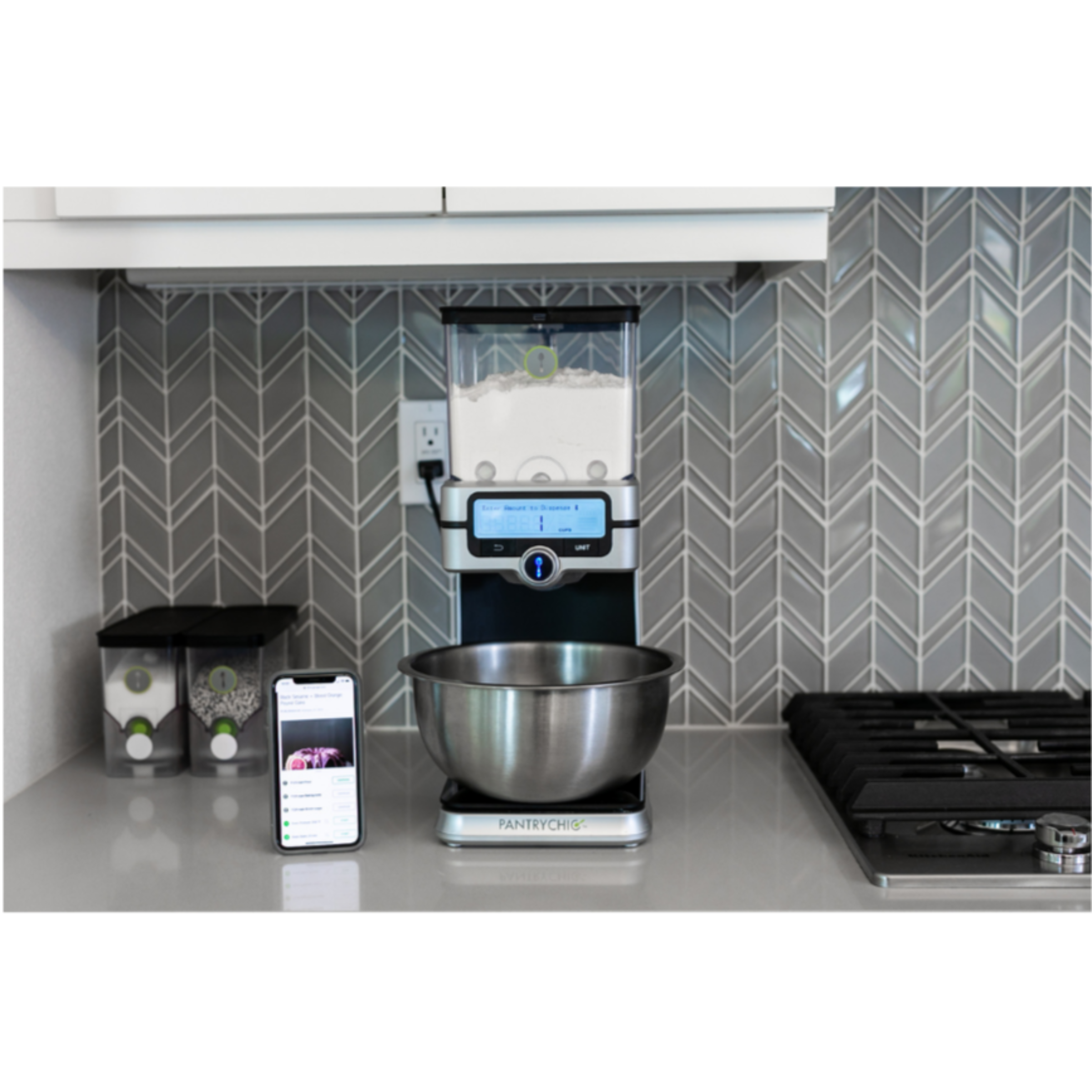
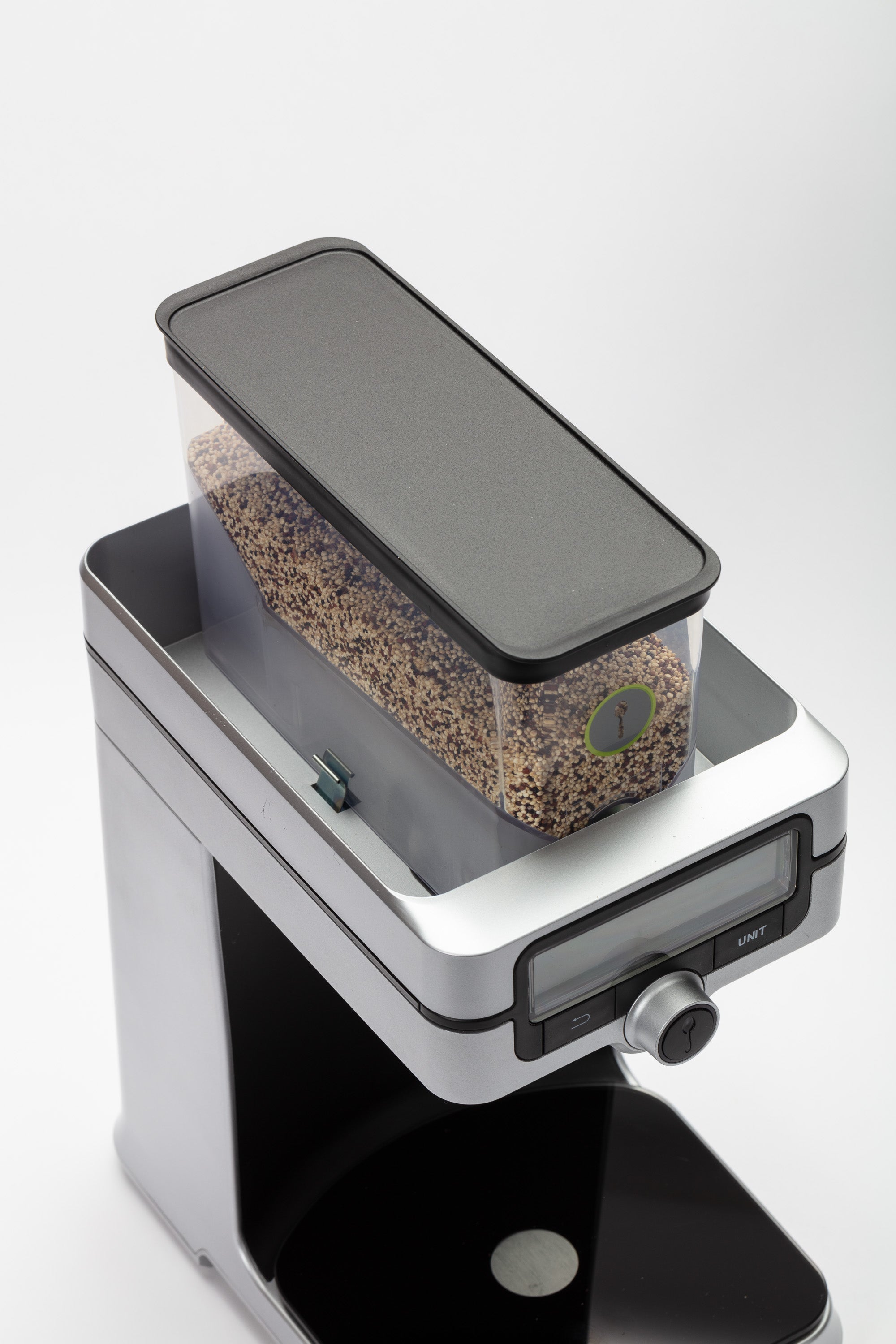
Base Unit: 7"W x 11.5"H x 10"D
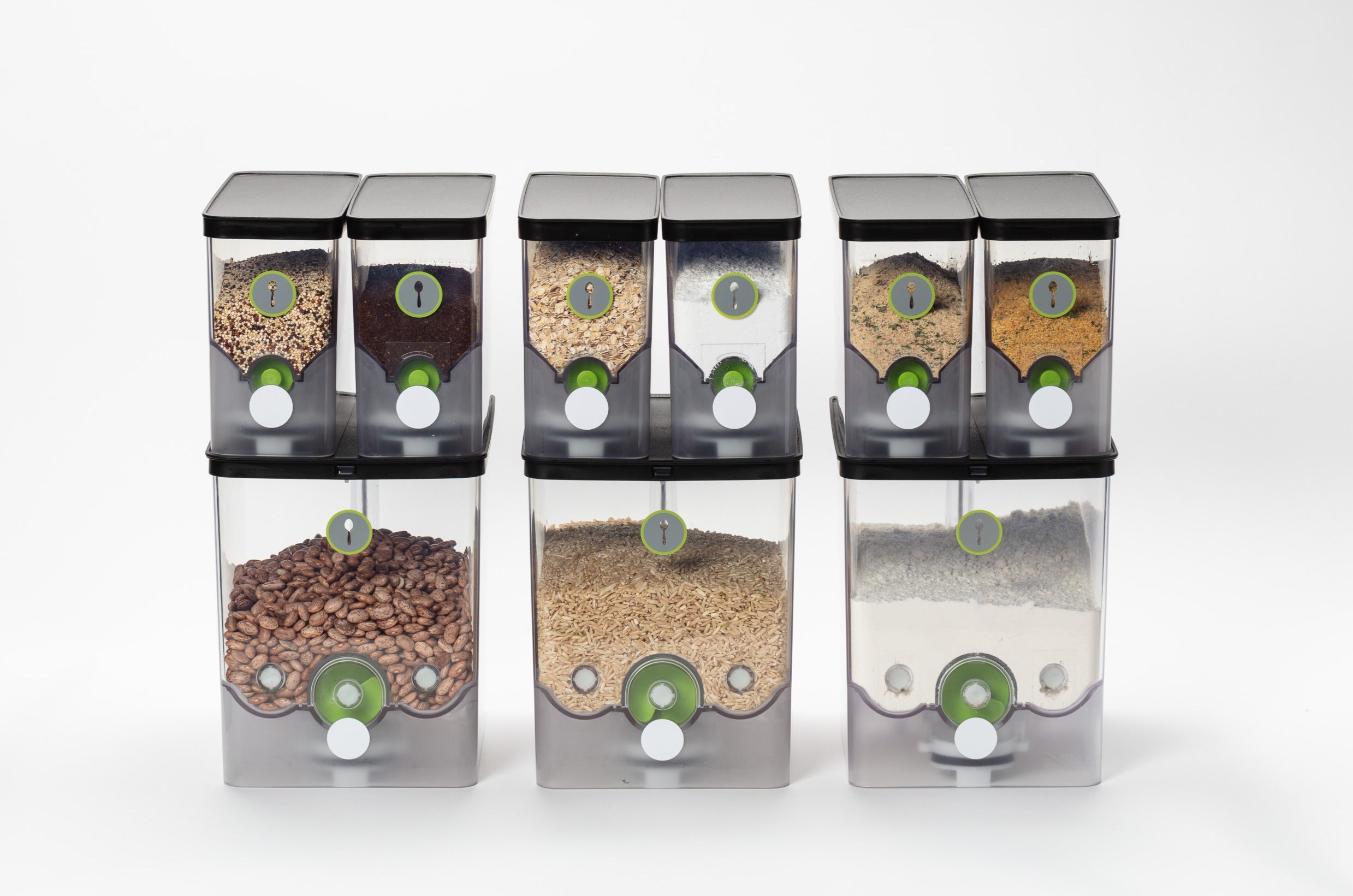
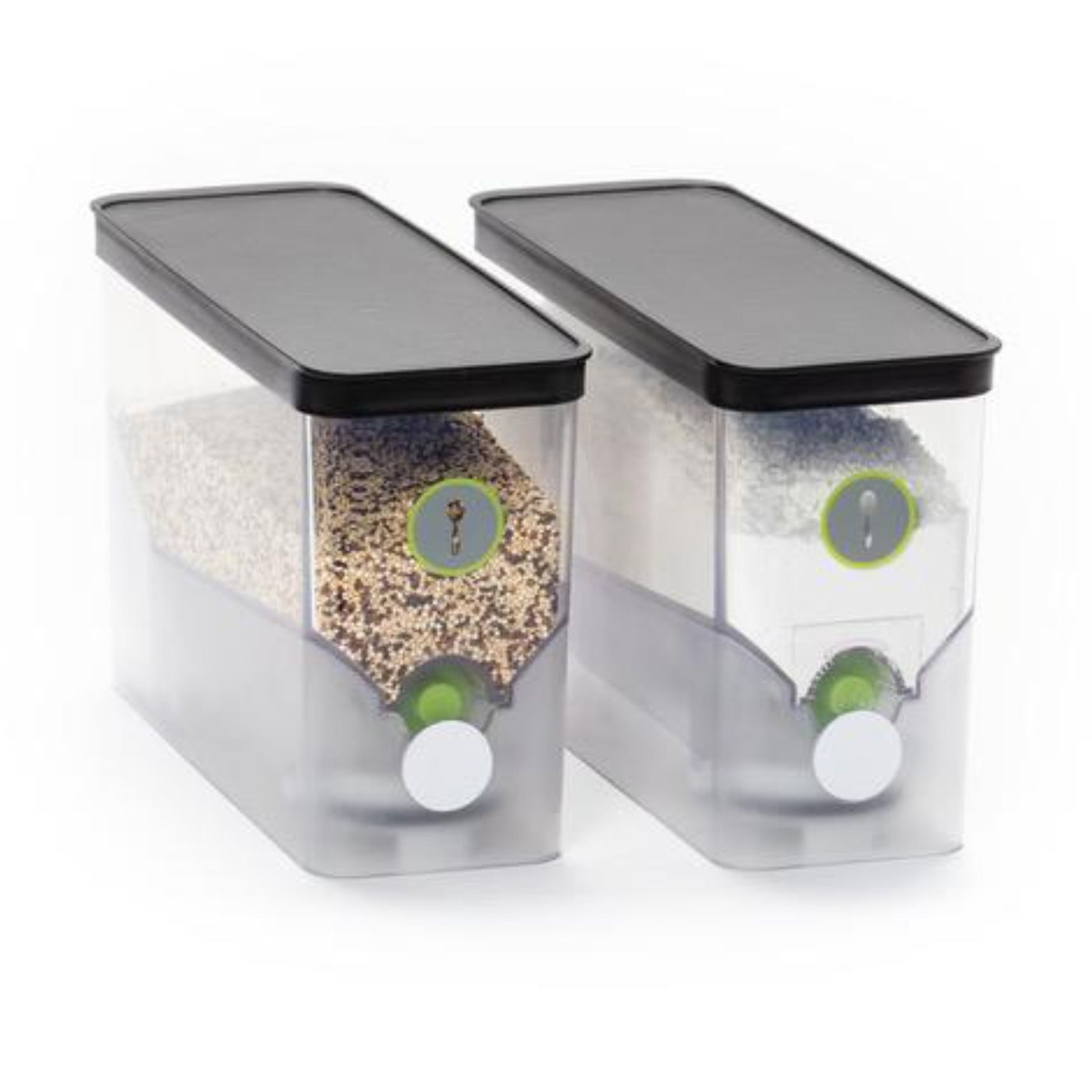
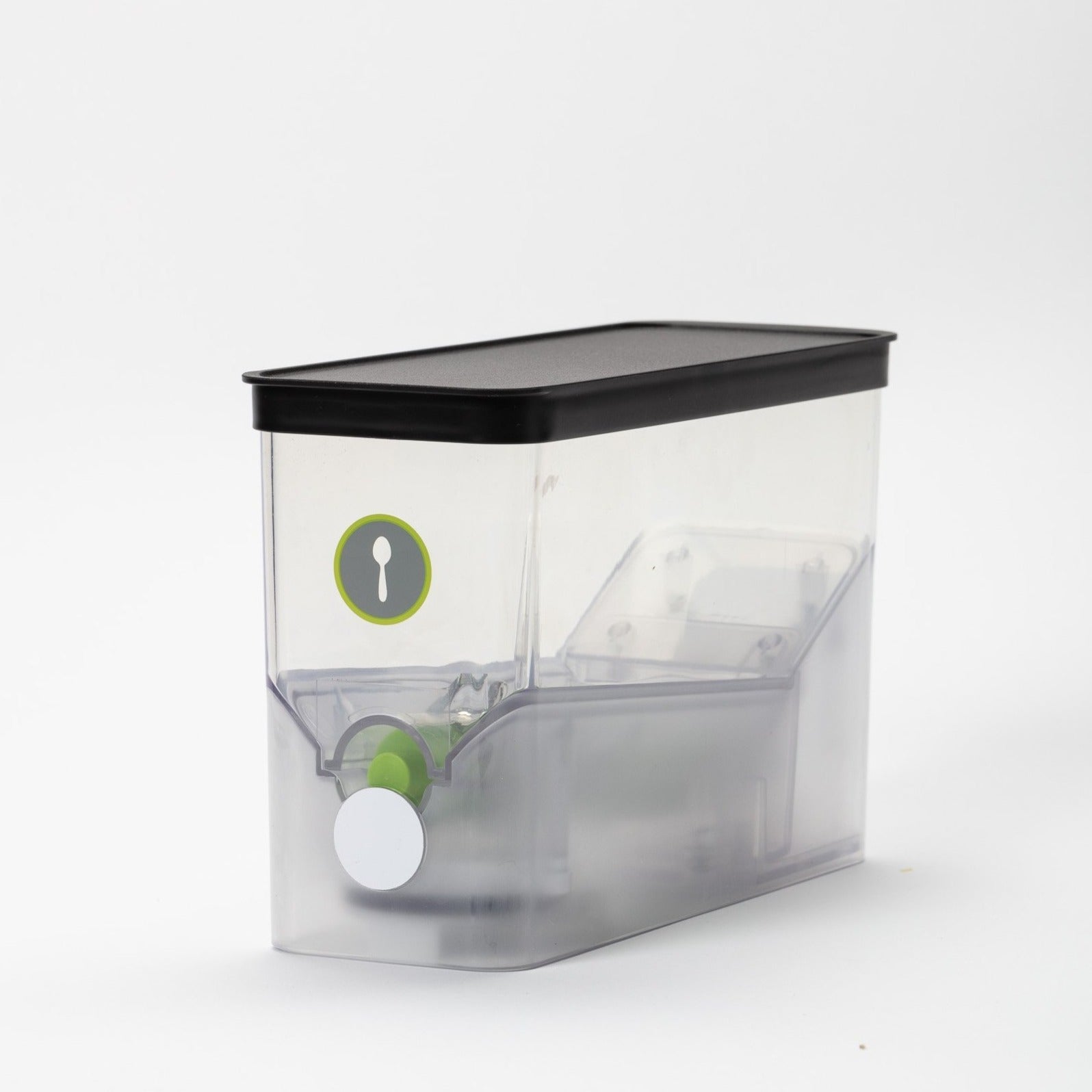
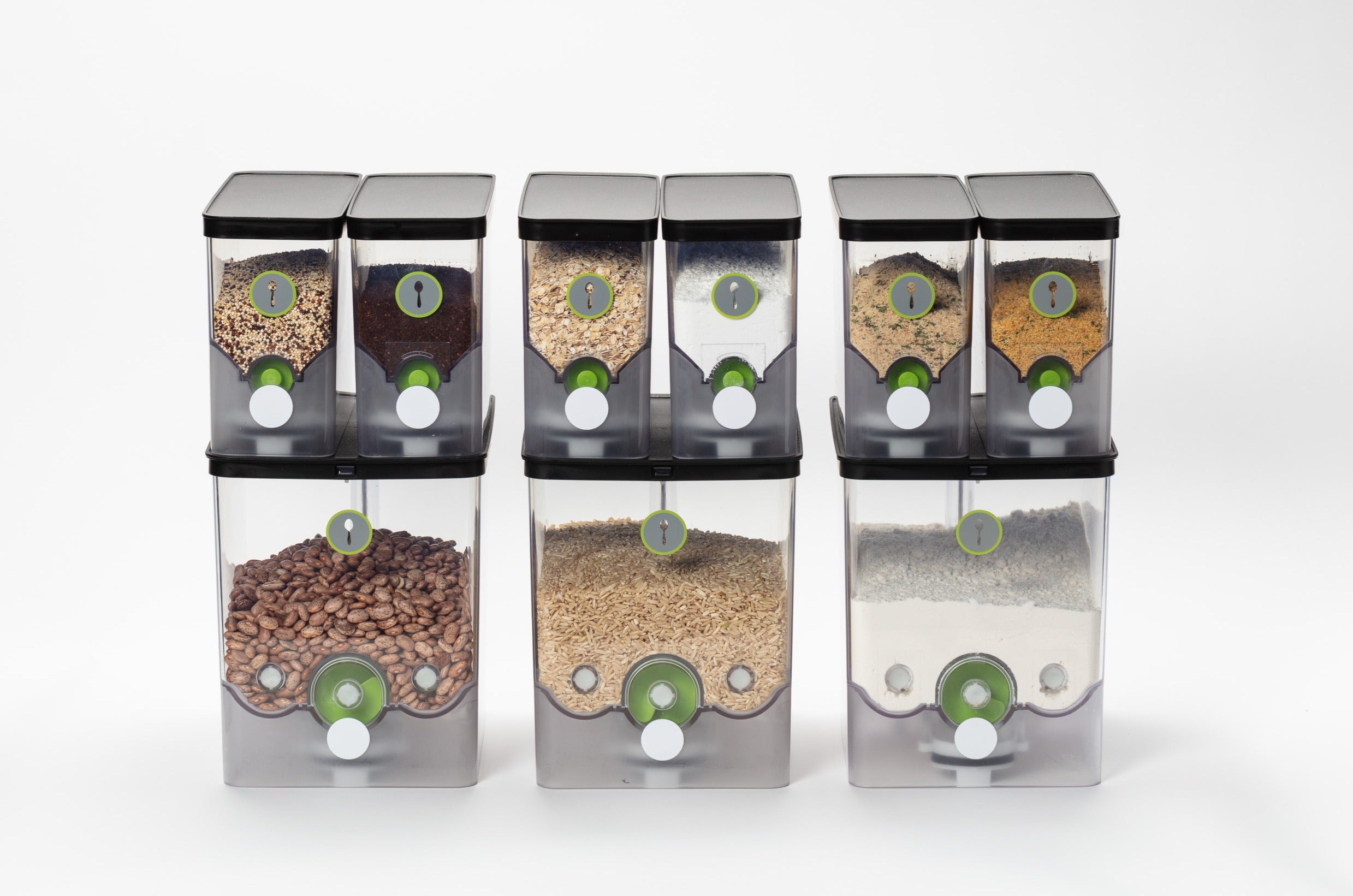
Large SmartCanister: 6.5"W x 5.5"H x 9.25"D
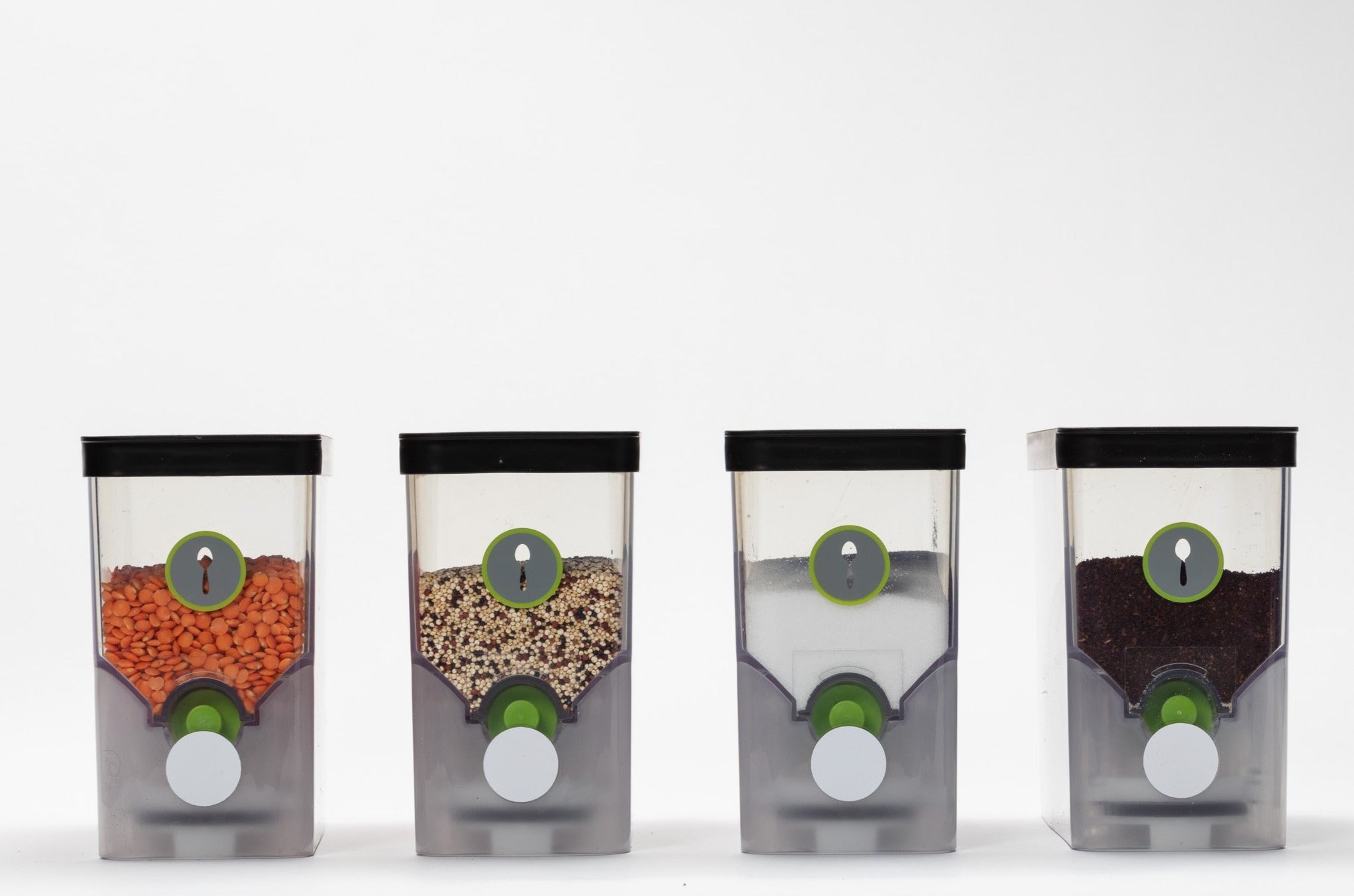
Small SmartCanister: 3.25"W x 5.5"H x 9"D
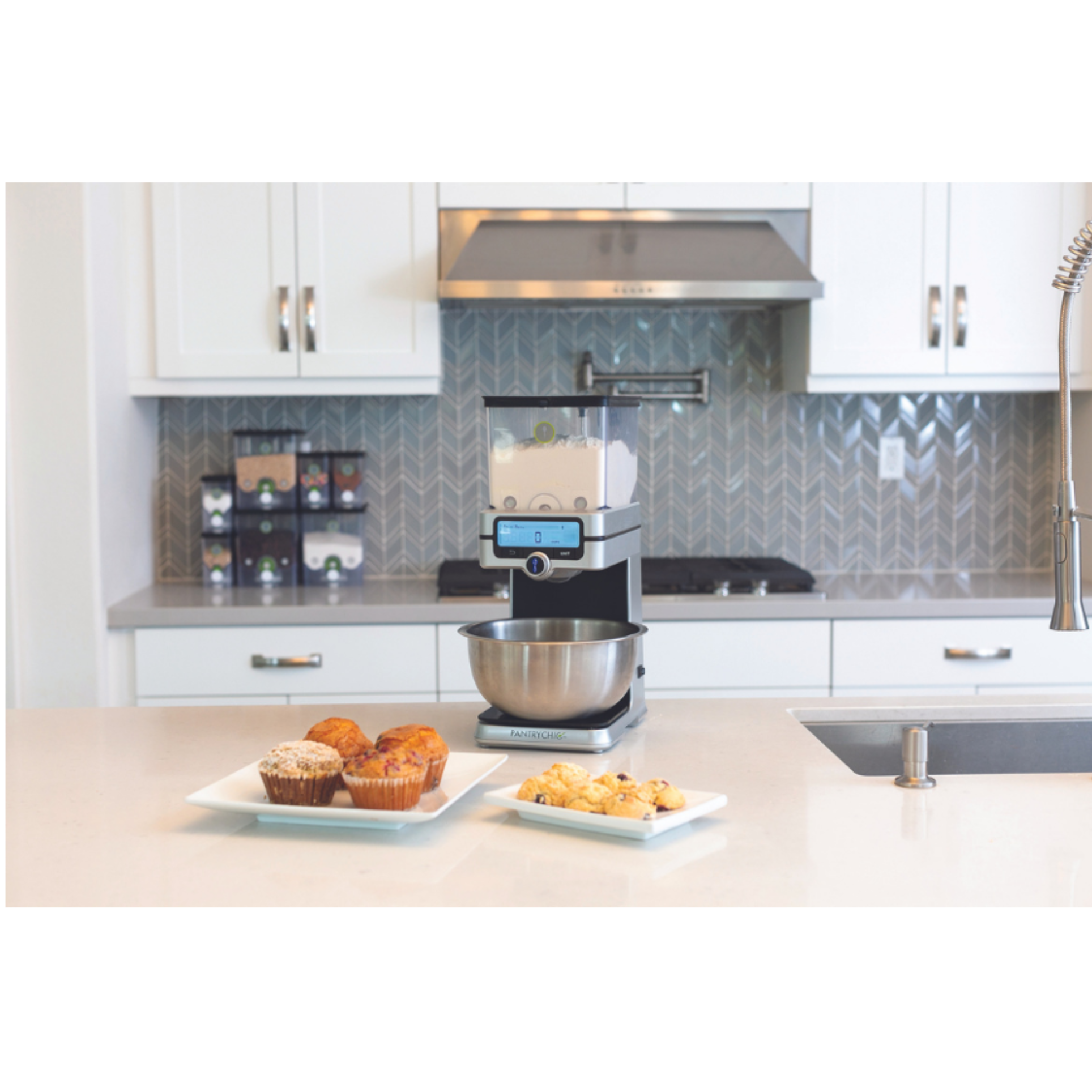
PantryChic Smart Storage System | Starter Kit - Like New!
PantryChic Smart Storage System | Starter Kit - Like New!
Want a brand new PantryChic System at a huge discount? We have a VERY LIMITED quantity of open-box Starter Kits available for purchase!
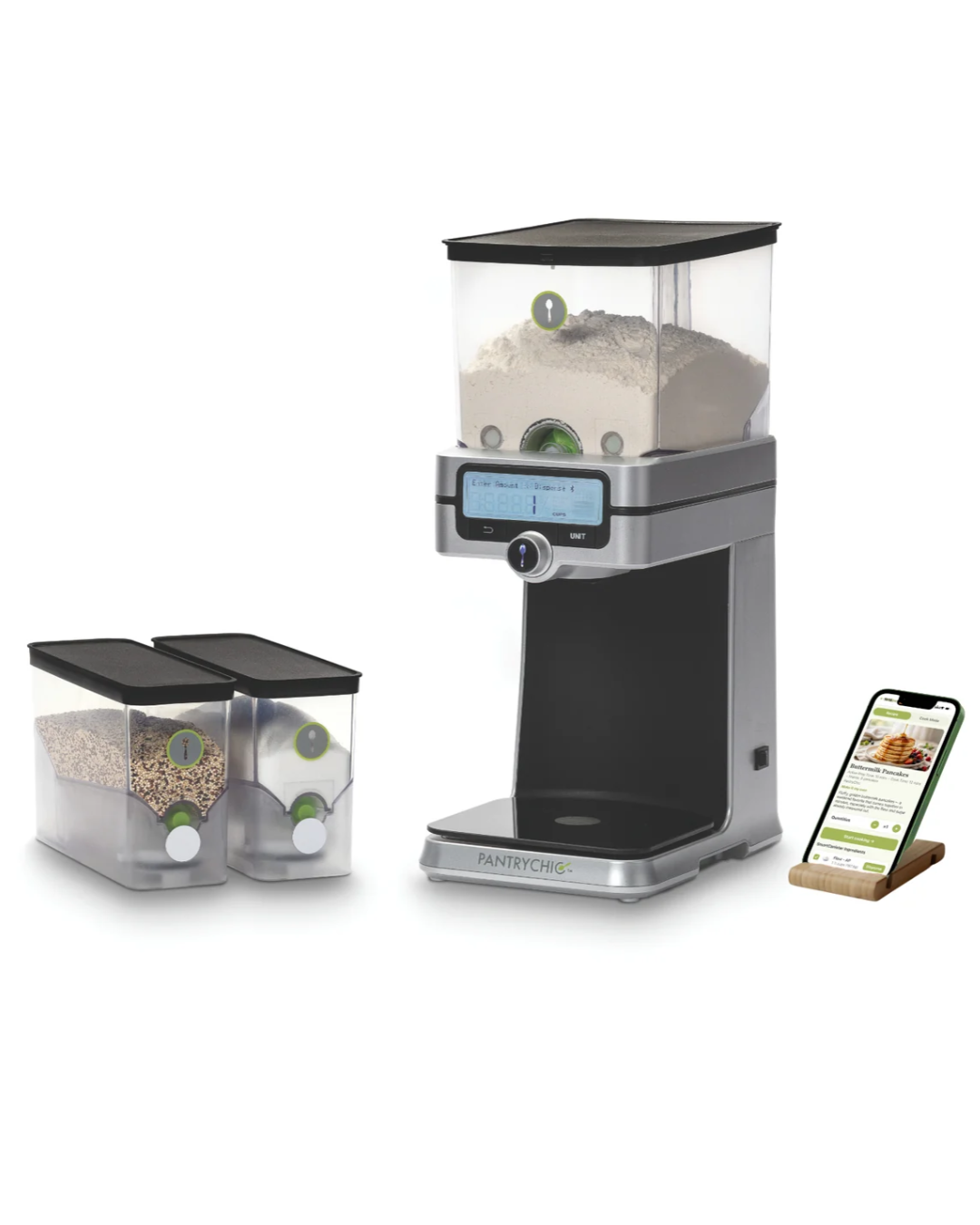
What's Included
- 1 Base unit (with digital scale)
- 1 Large SmartCanister
- 2 Small SmartCanisters
- 2 Shaker balls
- PantryChic app — free on iPhone & Android
Couldn't load pickup availability


How It Works

Assign
Once you assign your SmartCanister to 1 of the 100+ preprogrammed ingredients, PantryChic will store it along with volume to weight conversions.

Enter
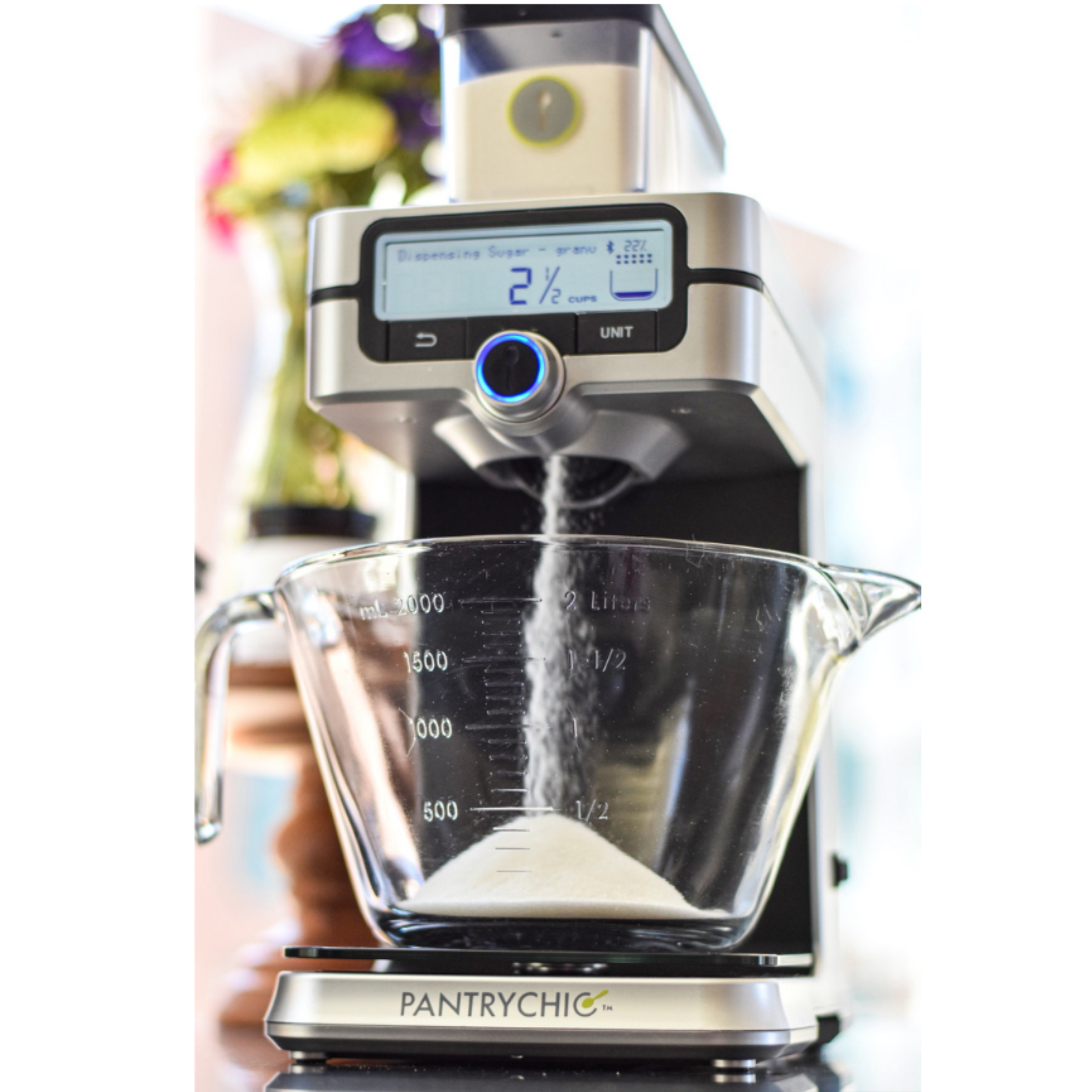
Enter any amount in cups, tablespoons, grams or ounces: the base converts volume to weight automatically and dispenses by weight for consistent results every time.

Dispense
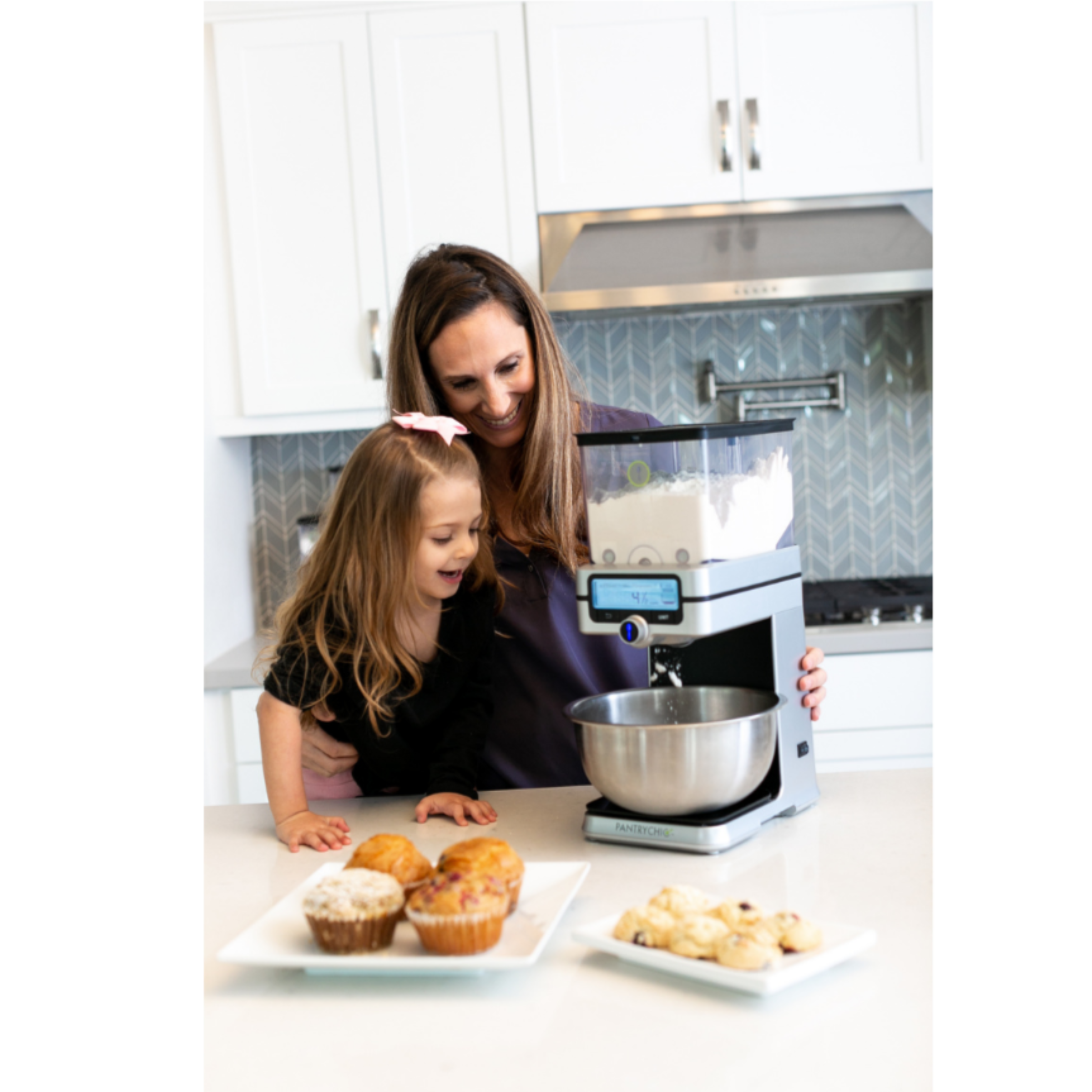
Save time in clean up and minimize the mess with auto-dispensing straight from SmartCanisters into your bowl.
Features

Airtight Storage
Safely store dry ingredients in SmartCanisters to increase ingredient shelf-life & decrease waste.
Precise Measuring
Perfect your recipes and eliminate the need for inconsistent measuring cups & spoons. PantryChic auto-converts volume to weight assuring perfect results every time.
Auto-Dispensing
Save time in clean up and minimize the mess with auto-dispensing straight from SmartCanisters into your bowl.
Ingredient Recognition
Once you assign your SmartCanister to 1 of the 100+ preprogrammed ingredients, PantryChic will store it along with volume to weight conversions.

Digital Scale
Use the base unit scale to weigh all things not stored in your SmartCanisters (proteins, liquids, other dry foods, etc.)

PantryChic App
Dispense with a tap, follow recipes step by step in Cook Mode, and keep track of every canister — the free app for your PantryChic system.


Better with the app
Your Starter Kit works completely on its own. The app makes it even better.
With the PantryChic app
- Add your own ingredients — staples similar to a validated one, like protein powder alongside flour, dispense the same way and are saved for next time
- The app flags anything that hasn’t been validated before you dispense
- Recipes, inventory, and the scale — all on your phone

Cook Mode walks you through
Pick a recipe and Cook Mode takes you step by step, dispensing each ingredient in the right amount as you reach it. The recipe and the pantry finally work together.
Recipes that dispense
However a recipe got into your library, Cook Mode walks you through it — and your system dispenses each ingredient in the recipe’s exact amount as you go.


Free for every PantryChic owner · No account · No subscription · No data collected
120+ validated ingredients
We have validated over 120 ingredients for our Large SmartCanisters and just over 100 for our Small SmartCanisters.
QUICK TIP: When deciding on which canister to use per ingredient, keep in mind our Small SmartCanisters are intended for smaller dispensing quantities (teaspoons, tablespoons...anything under a cup!).
ABOUT BROWN SUGAR: We have tested brown sugar thoroughly and though it worked well (in the Large SmartCanister only), it occasionally jammed under the auger cover, particularly if it wasn't fresh. Due to this, we decided to remove it from our validated ingredient list.
Hear from our Sweet Customers

Megan Meiler
While I’m new to the PantryChic system it has already revolutionized how I prep for orders in my small baking business. It accurately measures ingredients and allows me to multitask while it is dispensing. Measurement is crucial for successful recipes so any novice or advanced baker would benefit from adding the system to their small kitchen appliances.
Watch the video

Stella Neil
The PantryChic System has completely leveled up my kitchen organization! The system is super easy to use and looks beautiful on the countertop and in the pantry.
Frequently Asked Questions
How much Flour and Granulated Sugar can the Large SmartCanister hold?
What are the sizes of each component? Does this fit under my cabinets?
Base Unit: 7"W x 11.5"H x 10"D
Large SmartCanister: 6.5"W x 5.5"H x 9.25"D
Small SmartCanister: 3.25"W x 5.5"H x 9"D
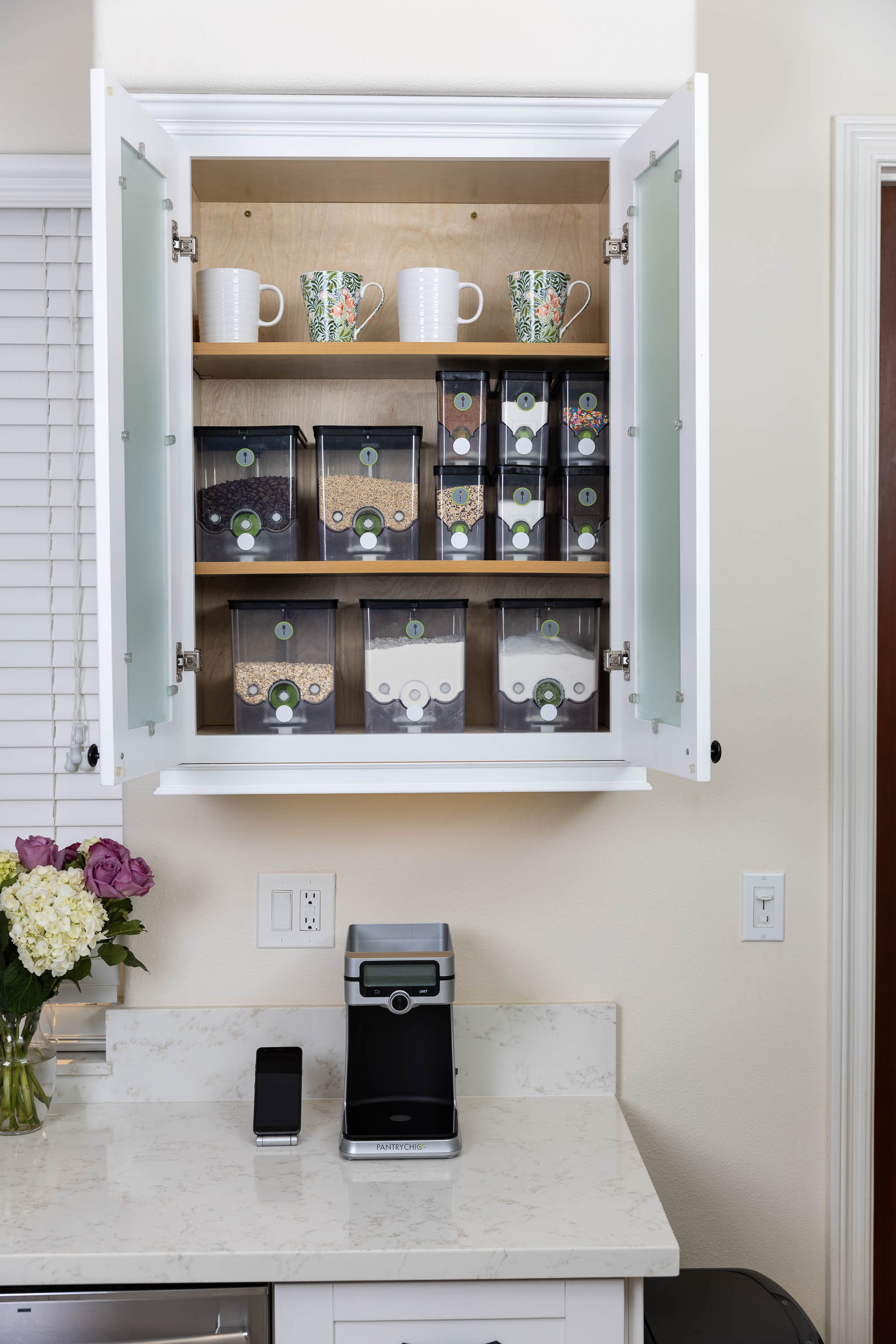
The base unit easily fits under your cabinets. In addition, if you enjoy displaying your canisters but don't want to take up too much countertop real estate, you can stack your canisters to maximize your space!
How do I clean the PantryChic System?
What can I store in the PantryChic SmartCanisters?
Can I store ingredients not on the validated ingredient list?
Can I store brown sugar in SmartCanisters?
How much is shipping?
What is PantryChic's return policy?
Let customers speak for us
Not only is a great to look at, it really helps me organize my pantry and measure just enough so I don’t waste anything but remember to follow directions on what goes in different containers otherwise it will clog on you.

I am very pleased with my PantryChic Smart Storage System. Their customer service is awesome. They are quick to reply to questions and concerns. The company stands behind this item.

I love this product! It is my new favorite kitchen gadget. Customer service is AMAZING! Quick shipping! Can't say enough wonderful things about my pantry sysyem.
Love thus storage system! I put labels on my containers because the bread flour and all purpose flour looked very similar and even though the device tells me what is in the container, my forgetful brain needed something external to process. But I LOVE how this organizes my pantry and the decreased mess of me trying to measure out flour. It has greatly reduced the chaos that is caused by this chaos chef!

We love this. My kitchen stays organized as and clean.
Received as a birthday/Mother’s day present and absolutely love this system. I’ve ordered 6 additional canisters since I bake often. Love they were able to customize the canisters for brown sugar and regular size chocolate chips. Customer service was great to deal with. Highly recommend.
Best invest ever made. Love not having the extra dirty dishes
I am utterly obsessed with the Pantry Chic System! I love that it saves space in the Pantry, it looks beautiful on the countertop and it's super easy to use! The air-tight containers make it really easy to store and dispense ingredients that we use every day! I think it is fantastic that I can assign an ingredient to a canister and the system recognizes it and remembers my previous settings! I also appreciate that the Pantry Chic can automatically dispense precise measurements or I can manually dispense ingredients. Customer service is awesome and answered all of my questions!
Ok I bought the starter plus 3 large and 8 small containers, I absolutely love this system, I do all the baking and cooking in my household. This is so much better than have to use measuring cups or measuring sppons.
Way to go PantryChic.
I admit I am a gadget loving gal, but I am also fond of cooking and baking, this is the perfect marriage of things I love. It also makes my pantry organization so easy. I plan on adding more containers soon.
This is something I have needed. It's so easy to grab all the containers that I need for whatever I am making and press a button to automatically measure out the quantity. I just place the bowl under and wait for the magic to happen. I was like a kid on Christmas day playing with it.
When my wife sends me items from her "want list" I am usually cautious and doubting... Pantry Chic Smart Storage got my attention as I witness first hand the mess and at times struggle in our kitchen when my wife is baking and measuring out all the ingredients. Since she makes yeast rolls for her side business (Front Porch Grub & Grill), I figured why not put this under the Christmas tree this year... It is always a gamble for a husband to gift appliances, BUT, this was a home run! She was so excited and couldn't wait to unbox and try it out... She got it all set up, filled up the canisters and BOOM, we are in business! She loved it and how clean it is to store all her different flours/sugars, etc that she is asking for additional canisters! 5 STARS ALL THE WAY!
I love this so much! It has saved me a lot of time best thing ever!
If I could give it 10 stars I would have! This has made baking easier and I love how it keeps all of the ingredients fresh. My pantry is so much more organized! Thank you so much!!!
Excellent addition to my kitchen and fixes storage and dispensing issues all in one!
Completely 'Chic' Your Pantry with these additional items...
-
Large SmartCanister | Food Storage Container
Regular price $39.95 USDRegular priceUnit price per$44.95 USDSale price $39.95 USDSale -
PantryChic Smart Storage System | Starter Kit
Regular price $199.00 USDRegular priceUnit price per$399.95 USDSale price $199.00 USDSale -
Small SmartCanister Set | Food Storage Containers
Regular price $44.95 USDRegular priceUnit price per$49.95 USDSale price $44.95 USDSale -
PantryChic Smart Storage System | Starter Kit - Like New!
Regular price $165.00 USDRegular priceUnit price per$399.95 USDSale price $165.00 USDSale